
Guide
Getting started
From a free brand audit to your first approved post.
What Staffiva is
Staffiva is an AI marketing team for your business. Three named agents do the day-to-day work an agency would: Scribe writes and posts your content, Scout finds people who are looking for what you sell, and Herald drafts replies to your inbound. You stay in charge — by default, nothing goes live until you approve it.
The five-minute version
- Run your free brand audit. On the homepage, drop in your website URL. Staffiva reads your site and, in about a minute, learns your brand voice and scores your brand health across tone and voice, visual identity, positioning, and content readiness. No credit card, no sales call.
- Create your account and start your trial. Your 7-day free trial comes with a flat 150-credit allowance so you can try the agents out. Credits are the unit that meters what the agents produce — the Credits guide breaks them down.
- Onboarding carries your audit through. The audit isn't thrown away — your brand voice and profile are already computed, so onboarding picks up where it left off. You'll connect the networks you post on and set your creative direction.
- Meet your agents. Under Agents you turn Scribe, Scout, and Herald on or off for your business. Each Scribe starts in review mode, so it drafts but never publishes on its own until you say so.
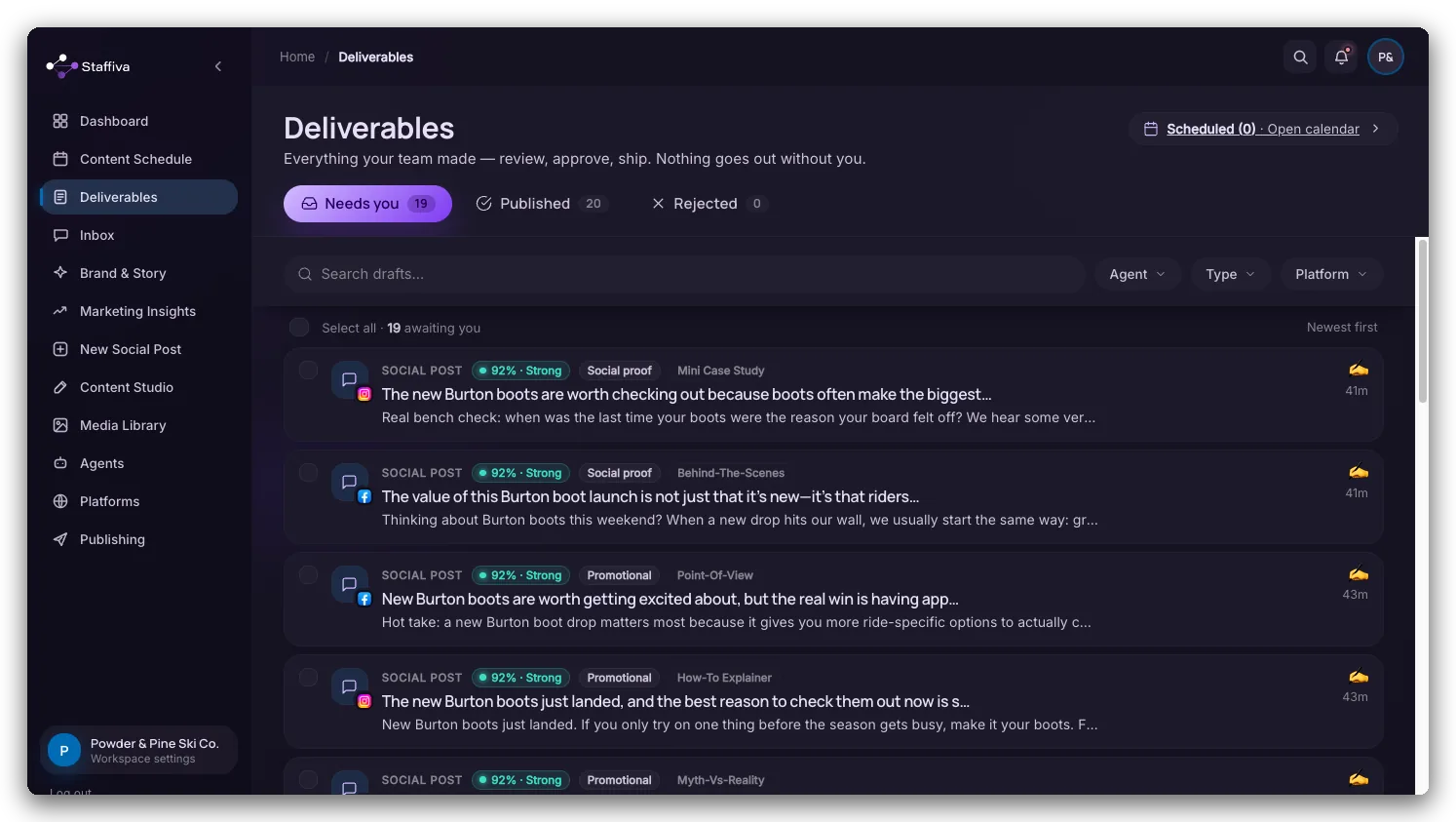
- Approve your first content. New drafts land in Deliverables, where you approve, edit, regenerate, or skip each one. Leads and mentions land in your Inbox.
Where things live
A quick map of the app so you know where to look:
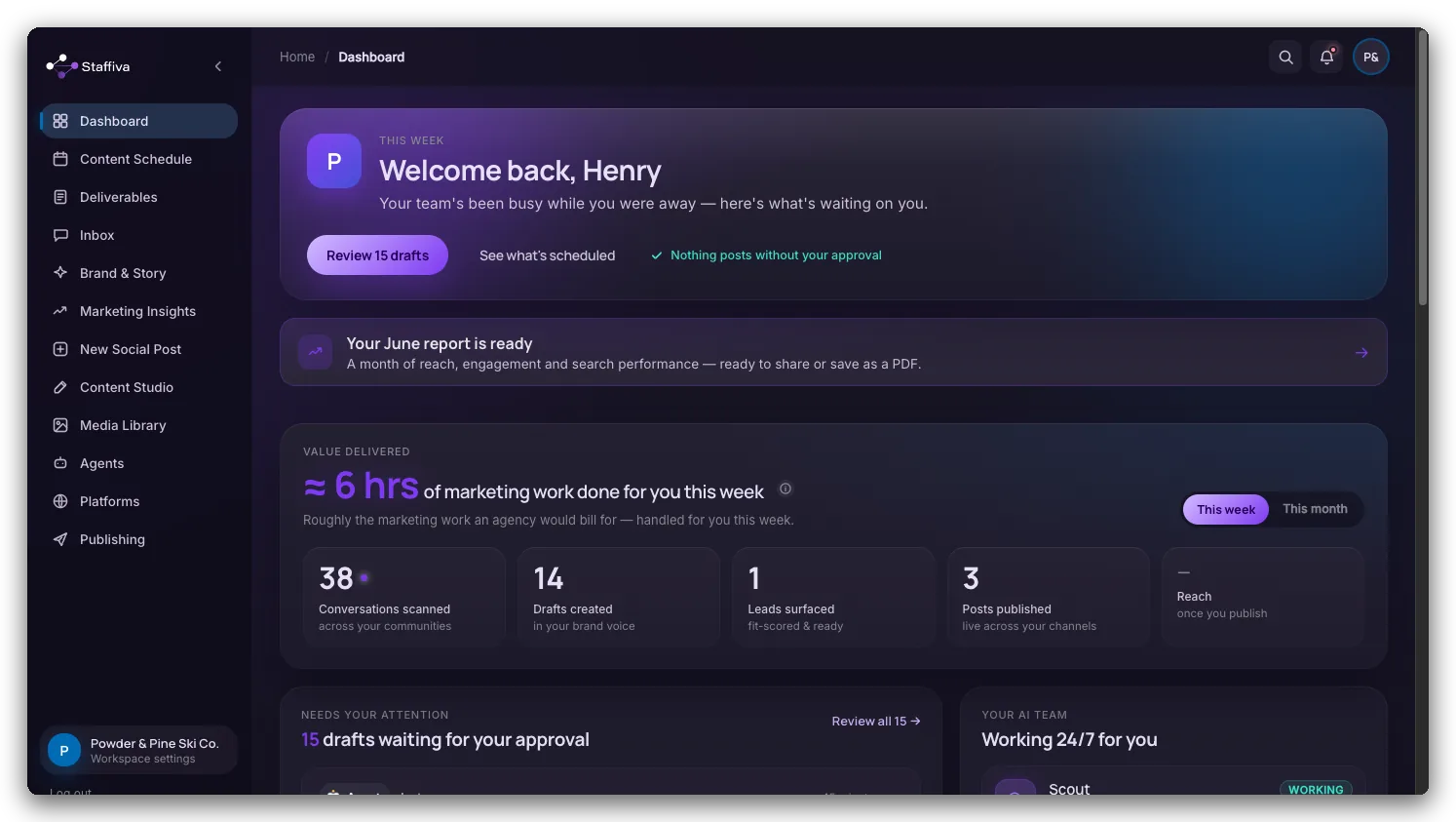
- Dashboard — your home base, and the way in to your monthly report.
- Content Schedule — the calendar of everything planned, and where you move it.
- Deliverables — the review feed for content the agents draft.
- Inbox — one place for leads Scout finds and mentions or DMs Herald catches.
- Campaigns — plan an arc around a date: a launch, an event, a seasonal push.
- Brand & Story — your brand voice and design language.
- Your Story — the real wins, metrics, and testimonials the agents cite as facts. You reach it from Brand & Story.
- New Social Post — write one post now, for one network or several at once.
- Content Studio — write on-demand posts and long-form articles.
- Media Library — your own photos and the images your team made, in one place.
- Marketing Insights — where you rank, competitor gaps, your backlink profile, and how often ChatGPT and Google AI Overviews mention you.
- Ask Staffiva — the chat that can see your own account, and act on what it finds.
- Agents — turn Scribe, Scout, and Herald on or off, and set how much each one does on its own.
- Platforms — connect the networks you publish to, and the website you push articles to.
- Settings — your plan, credits, and account.
- Help & support — these guides, and the form that reaches a person.
What to expect
Everything is review-first by default. Drafts are written in the brand voice learned from your own site and grounded in the facts you add under Brand & Story, then run through a self-critique and duplicate-check pass before they reach you. Scribe writes natively for X, LinkedIn, Instagram, and Facebook — one idea, rewritten for each network, not the same copy pasted across every network. Edit, regenerate, or skip anything that doesn't sound like you. When you're confident, you can dial any single network up to fully automatic.