
Guide
Publishing articles to your site
Push long-form articles straight to your own website.
What this is
Beyond social posts, Scribe writes long-form SEO articles and can publish them straight onto your own website — no copy-paste, no reformatting. You write it in Staffiva and it lands on your site.
Writing the article
In Content Studio, an article starts with research, then an SEO brief built around keyword targets pulled from Marketing Insights. Scribe drafts the piece with an SEO lint pass and citations, and exports clean HTML styled in your brand's design rather than a generic theme. The SEO lint pass flags thin spots and keyword gaps before you publish, and sources are cited so the piece stands up to scrutiny. An article costs 10 credits.
Connecting where it publishes
Set up a publish target once, under Platforms → Article publishing. Staffiva can push articles to:
- WordPress (self-hosted) — connect with an Application Password; images are re-uploaded to your media library.
- WordPress.com / Jetpack — connect in one click with OAuth (this also reaches Jetpack-connected self-hosted sites).
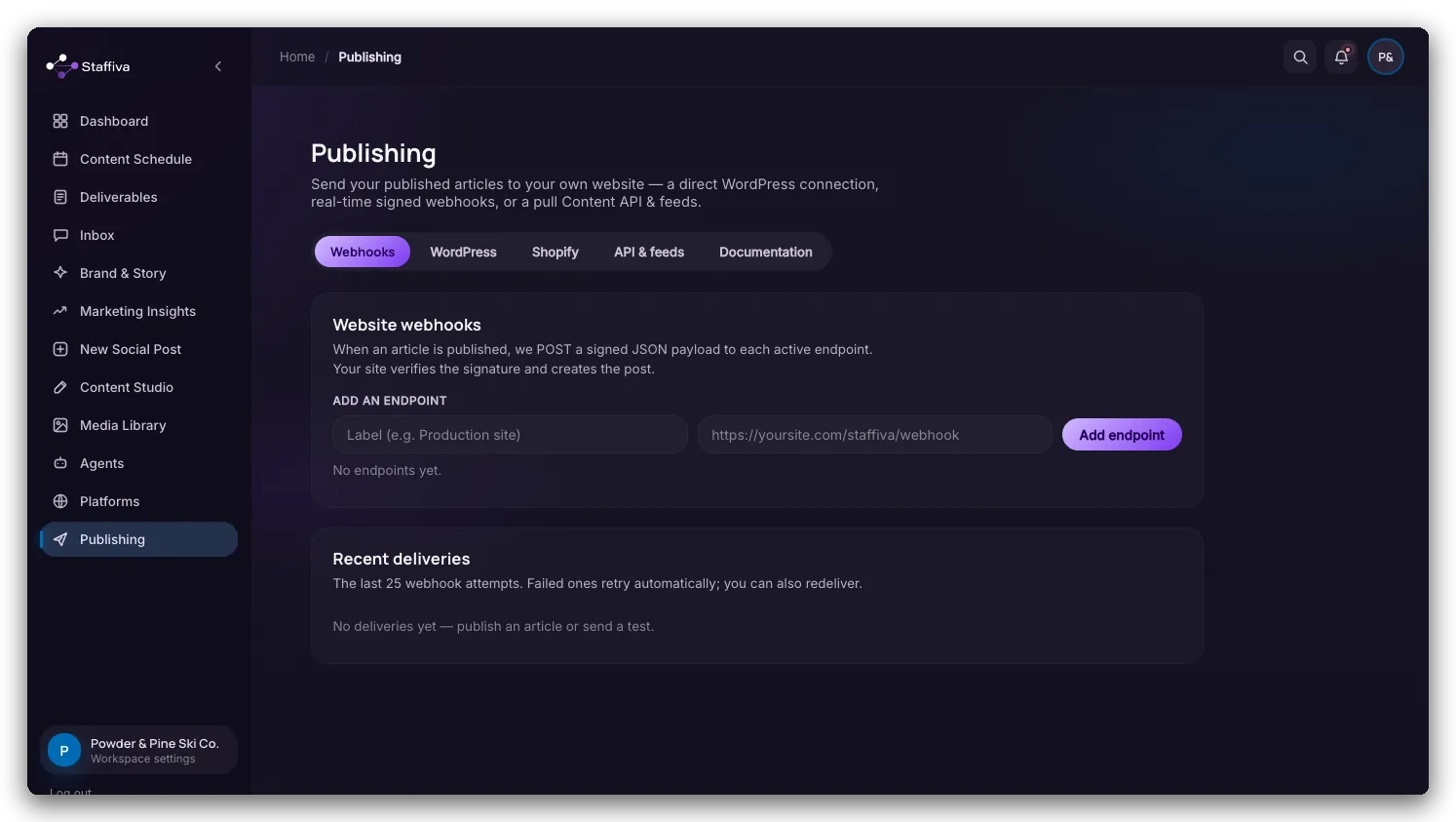
- Signed webhooks — send each article to any system you run, with HMAC-signed, automatically retried delivery.
- Pull Content API — fetch your articles yourself: a
GET /api/v1/articlesendpoint, authenticated with your organization's API key. - RSS and JSON feeds — syndicate through a standard RSS or JSON Feed URL.
Bring your own stack
If you run something custom, you're not stuck. The pull Content API lets your site fetch articles on its own schedule, signed webhooks push each new article to your system with a verifiable signature and automatic retries, and standard RSS or JSON Feed URLs syndicate your articles anywhere that reads a feed. Images travel with the article too — on WordPress they're re-uploaded to your media library — so you're not chasing broken image links after the fact.
Publishing and scheduling
Publish an article the moment you approve it, or schedule it to publish itself at a set time — handy for lining up a run of posts in one sitting. If a draft is interrupted partway through generation, it self-heals and picks back up rather than hanging, so you won't lose the work.
What to expect
Articles arrive styled in your brand template, so they look like they belong on your site. Treat your first article like any other draft: review it in Deliverables before it goes live. Publishing to your real website is always your call. And because the pull API, feeds, and webhooks all read from the same published article, your site and any downstream systems stay in sync.